Facebook Transcript Generator
Turn a public Facebook video into readable transcript text. Free to use, no account required, and built for public videos, Live replays, interviews, and research notes.
Facebook Carousel Generator
Turn Facebook video notes, product ideas, or campaign messages into multi-slide carousel posts with AI-assisted copy, visuals, and editing tools.

Get the spoken words from a Facebook video
Sceneform generates a transcript from the audio in a public Facebook video. Paste the URL, start the request, then copy or download the resulting text when processing finishes.
Use it when you need quotes, captions, notes, summaries, research material, or a written reference without replaying the same video again.
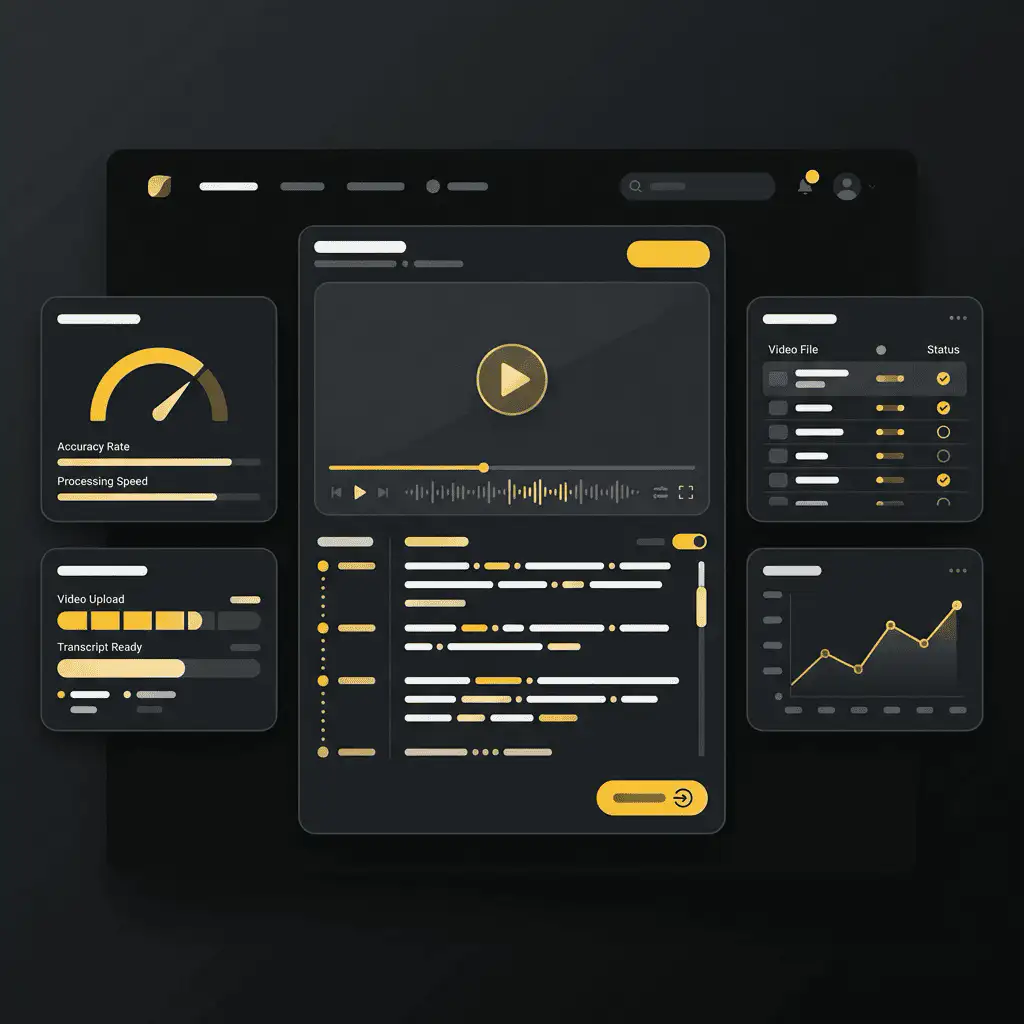
How to transcribe a Facebook video
- Copy the video link. Open the Facebook video, Reel, or saved Live replay and copy its link from the share menu or browser address bar.
- Paste it into Sceneform. Add the URL to the transcript form. You do not need to create an account.
- Generate the transcript. Sceneform checks the public link, extracts the audio, and converts speech into text.
- Copy or download the text. Use the transcript for notes, captions, scripts, summaries, or research.
If the link is private, deleted, login-gated, muted, or blocked by the source platform, the transcript may fail or return little text.
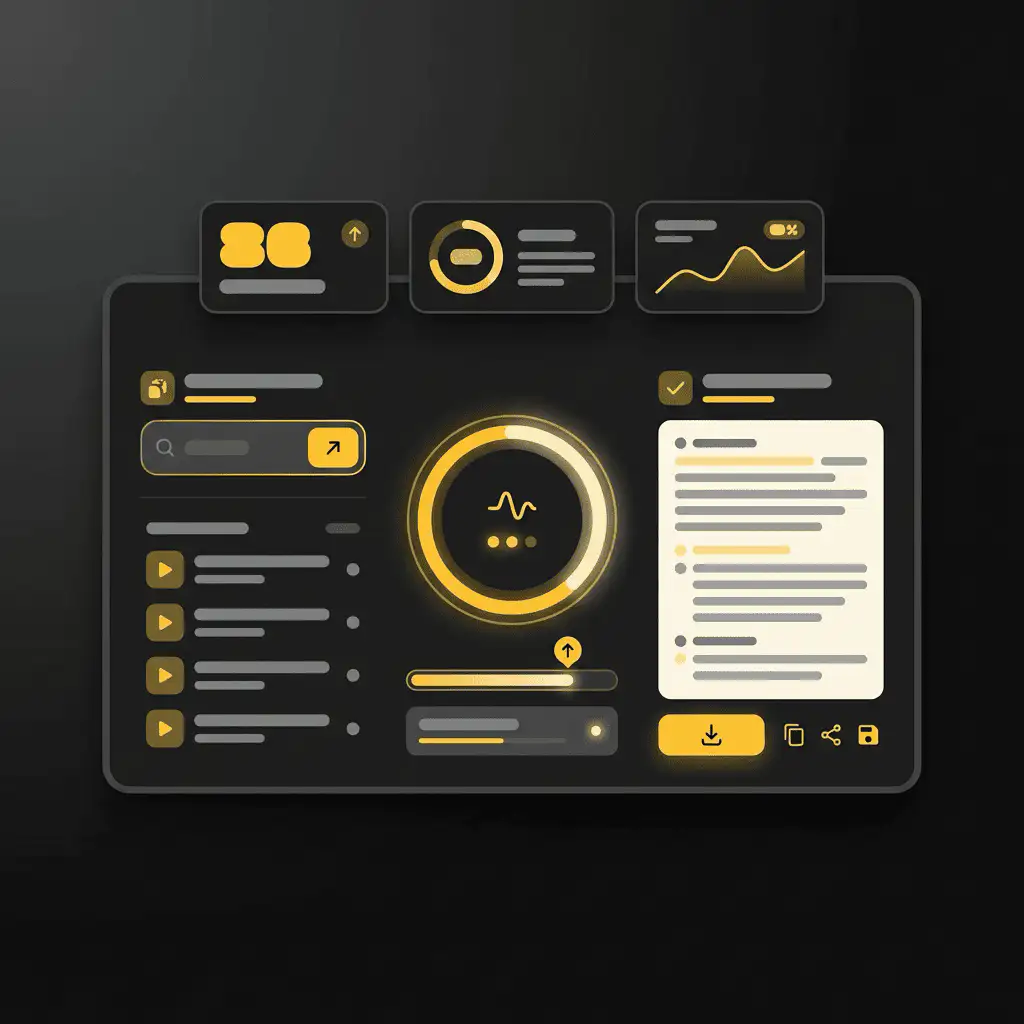
What the transcript includes
The result is clean transcript text that you can read, search, copy, and download as a plain text file. It is designed for the words spoken in the video, not for visual OCR, comments, likes, or engagement analytics.
- Good input: public videos with clear speech.
- Quality factors: audio clarity, background music, speaker overlap, accents, and platform access.
- Output: readable text with copy and TXT download controls.
- Not guaranteed: speaker labels, word-level timestamps, subtitles, SRT, VTT, or exact punctuation.
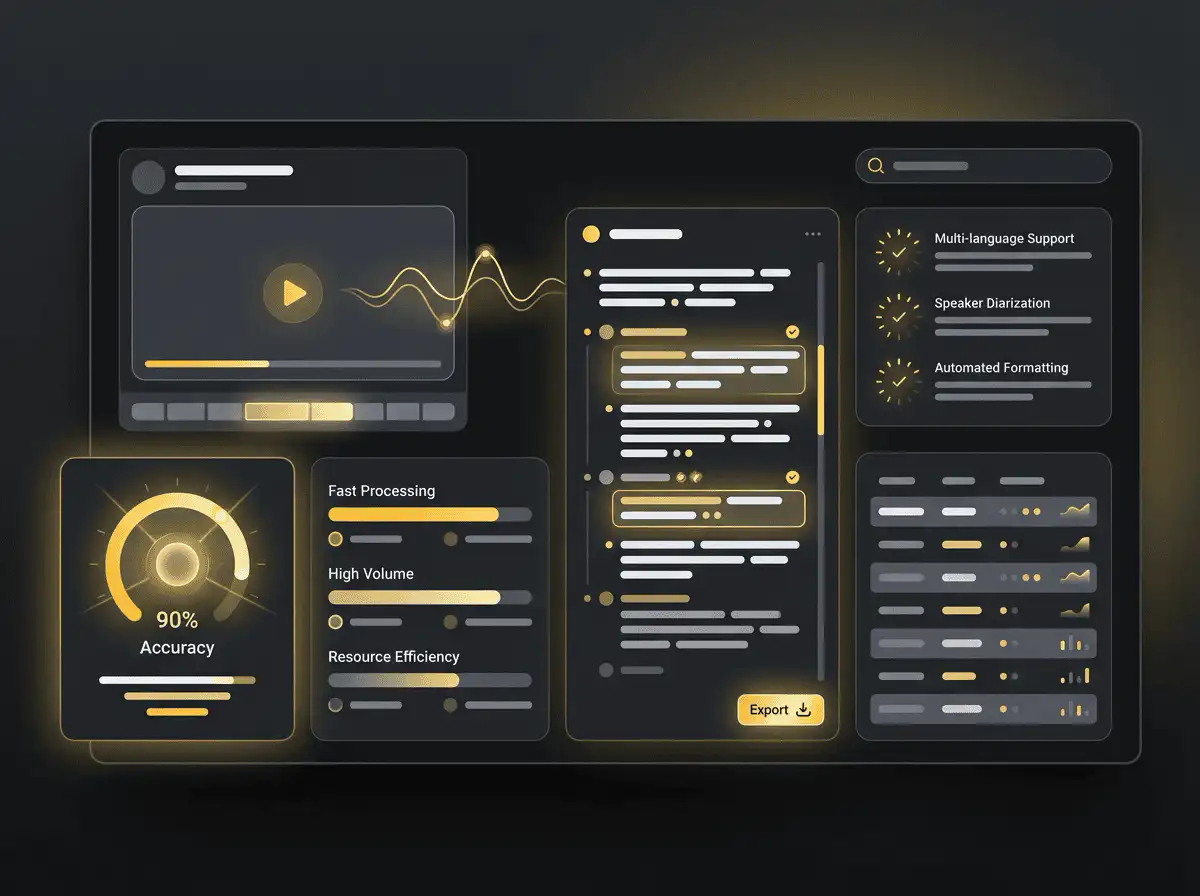
Choose the right transcript tool
Use the platform-specific page when you know the source. It gives users clearer copy-link guidance and keeps search intent from blending across different networks.
| Fonte | Recommended tool | Use para |
|---|---|---|
| Facebook video URL | Gerador de Transcrição Facebook | Lives, page videos, interviews, and webinars |
| Instagram Reel URL | Gerador de Transcrição Instagram | Reels, creator research, and captions |
| LinkedIn video URL | Gerador de Transcrição LinkedIn | Professional posts, talks, and demos |
| Uploaded video file | Video to Text Converter | Local recordings and downloaded files |
Useful ways to use Facebook transcripts
Transcripts are most useful when they turn a video into something you can search, quote, compare, or repurpose. They help creators and researchers work with the actual language in a clip instead of relying on memory.
- Live replay notes: turn long Facebook Live replays into searchable text.
- Quote capture: pull useful quotes from public talks, interviews, or demos.
- Repurposing: use transcripts as a starting point for posts or summaries.
- Accessibility review: check what is spoken before writing captions or descriptions.
Free, no account, and temporary processing
The transcript generator is free to use and does not require a Sceneform account. Normal use is unlimited, with abuse controls reserved for automated or excessive traffic.
Transcript tasks are processed temporarily. Use transcripts only in ways you are allowed to, especially when quoting, reposting, publishing, or using someone else's words commercially.
Mais ferramentas gratuitas
Explore outras ferramentas para ajudar você a baixar e converter mídias
Facebook transcript generator in multiple languages
Generate transcripts from public Facebook videos in the language spoken in the source audio. Webinars, interviews, Lives, and page videos work well when speech is clear.