Give your mascot idea a recognizable shape
Describe the character your project needs and generate a visual concept. Choose a subject, personality, color palette, and simple silhouette. Compare directions before developing a finished mascot design.
Compare plans and credits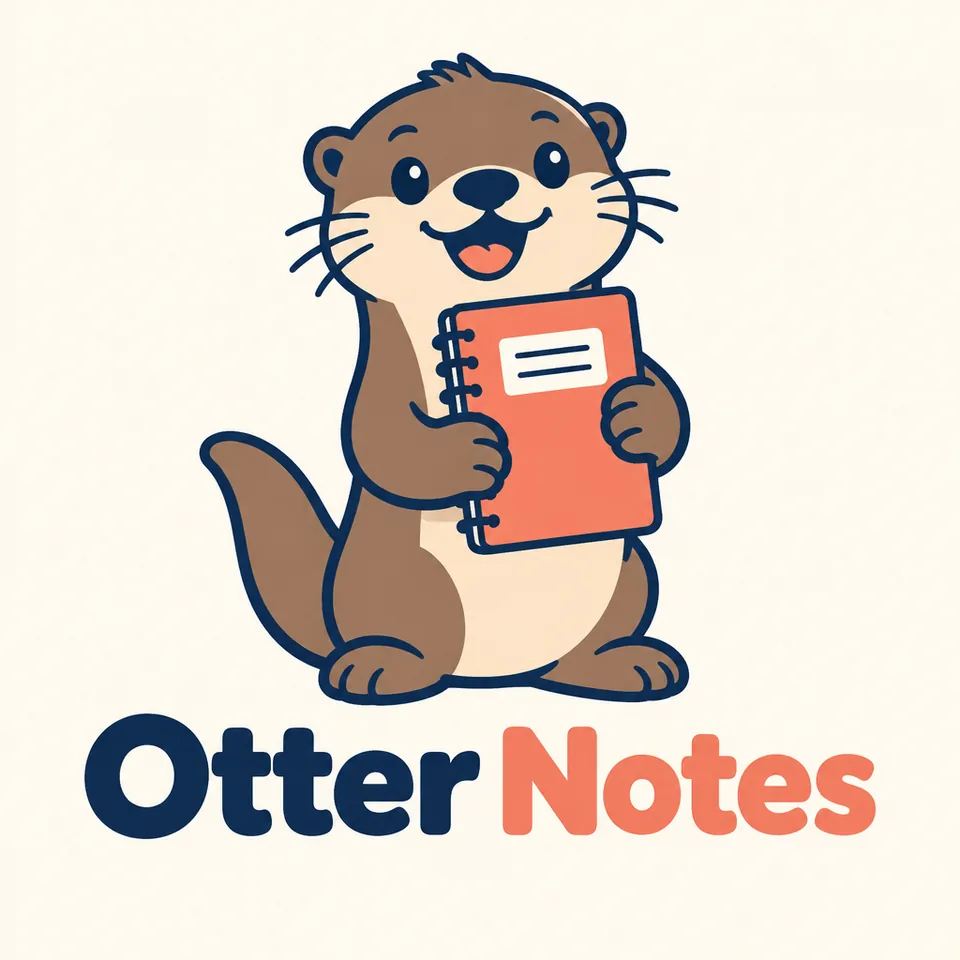
What you can create
Start with a clear character brief
Name the character, its role, and its personality. Describe an animal, object, or imaginary creature with a distinctive shape.
Direct the visual style
Request bold outlines, simple color blocks, or a softer illustrated treatment. Specify the background and leave room around the character.
Explore poses and expressions
Generate a welcoming pose, a celebration, or a focused expression. Review consistency before using separate images together.
From your idea to finished content
Define the mascot's job
Decide whether the character welcomes visitors, explains a product, or represents a community. Write its visual traits before generating.
Generate a focused concept
Open Image Generation and choose a model. Describe the character, pose, palette, and framing in one clear brief.
Review the character at different sizes
Check the silhouette, expression, and small details. Refine crowded shapes before preparing the concept for your final design work.
Prompts to start with
Use these briefs as a starting point. Replace the details with your own product, audience, and style.
A friendly learning companion
Create a cheerful otter mascot holding a small notebook. Use rounded shapes, dark blue outlines, and a coral accent. Show a clear full-body silhouette on a plain cream background.
An energetic gardening character
Design a smiling watering-can mascot wearing simple green boots. Use flat color blocks and an enthusiastic waving pose. Keep the face readable and the background uncluttered.
Frequently asked questions
- What should I include in a mascot prompt?
- Describe the subject, personality, pose, palette, and intended use. A simple silhouette helps you evaluate the character before adding detail.
- Can I generate several poses of the same mascot?
- You can request different poses and use image editing for further concepts. Check consistency because separate generations can change character details.
- Does the result include a complete brand system?
- No. This workflow creates mascot images. It does not supply trademark clearance, production files, or a finished set of brand guidelines.
- Can I choose the image model?
- Yes. Choose from the models available in Image Generation. Their settings, output formats, and credit costs vary.
Explore related tools
Create your next project
Start with a clear brief. Review the result. Make it yours.