Creator
$19/month
Billed monthly
For solo creators posting every week
500 credits every month
- Up to 250 AI images
- Up to 25 Ad Studio Reels
- Up to 1.5 hours of AI voiceover
- Roll over up to 1,000 credits
Hold the first three seconds. Earn the send.
Instagram says three signals decide a Reel's reach: how long people watch, how many like it, and how many send it to a friend. Each is counted against how many people saw it.
This page covers what moves each one, what Instagram won't recommend, and a 15-second Reel taken apart second by second.
Checked 5 November 2026:Mosseri on the top three signals, Jan 2025Instagram: Ranking explained, May 2023
How long people watch, in seconds and as a share of the Reel. Instagram also predicts whether someone will watch to the end.
What moves itOpen on the most interesting frame. Cut every second that doesn't move the story.
Likes divided by the accounts the Reel reached. It weighs a little more with your followers.
What moves itGive people a payoff worth reacting to: a result, a joke that lands, a reveal.
How often people send the Reel to someone in a DM, divided by reach. It weighs a little more with people who don't follow you.
What moves itMake one thing a viewer would forward to a friend: a tip they need, a moment they'll recognize.
“The top three signals that matter most for ranking are watch time, likes and sends.”
Checked 5 November 2026:Mosseri on the top three signals, Jan 2025Instagram: Ranking explained, May 2023Mosseri on seconds watched, Feb 2025
Instagram counts a skip when someone swipes away in the first three seconds. Here is how one Ad Studio video spends them, and the rest of its 15 seconds, beat by beat.
Checked 5 November 2026:Instagram adds Retention and skip rate, Aug 2025
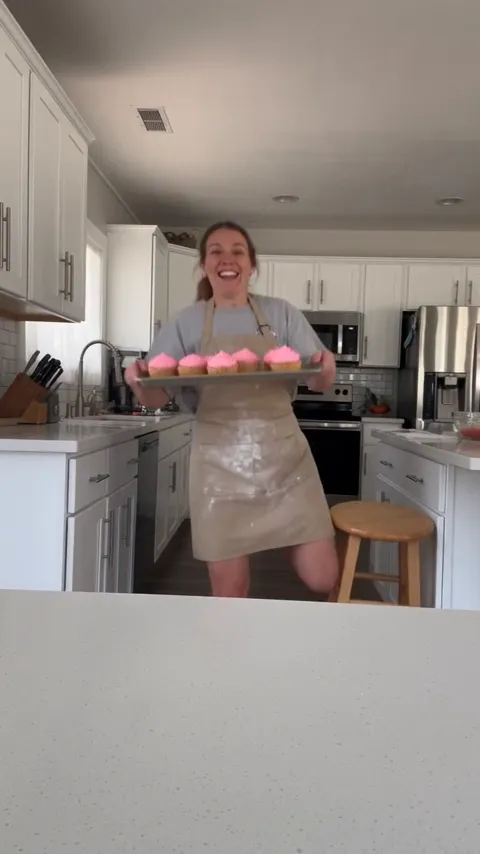
Six open Reels with nothing to sell: a recipe, a tutorial, a pet, a trick and two mishaps. The other six are Ad Studio's hook previews for product videos.

The sizzle
A recipe opens on the flame, not the ingredients.

The result first
A tutorial opens on the finished sneakers, then shows how.
It falls apart
A story opens on the moment it goes wrong.
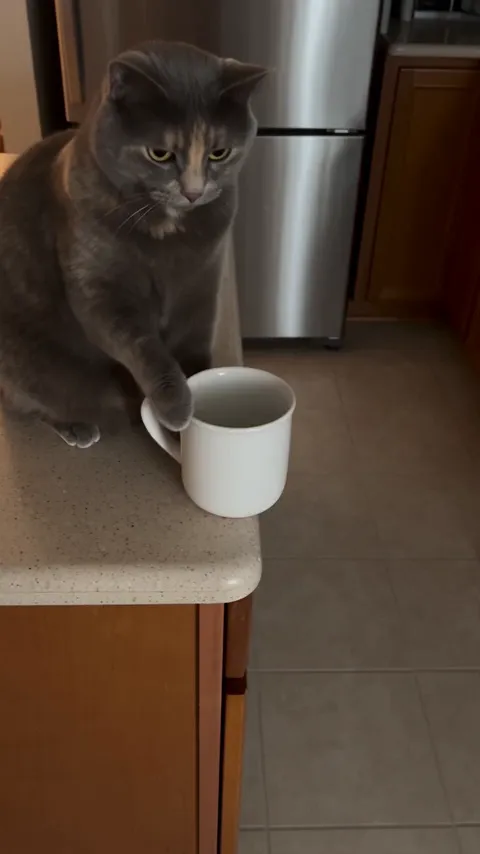
Caught in the act
A pet Reel opens with the mug already falling.

Mid-air
A trick opens in the air, not on the run-up.
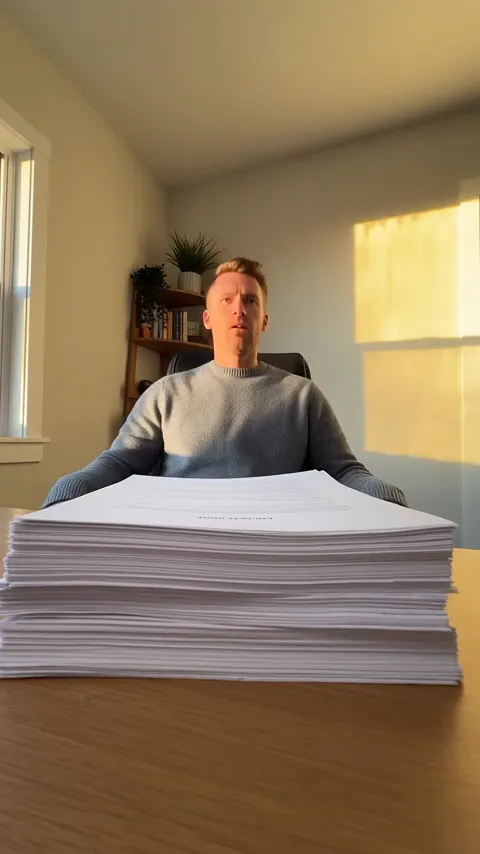
Tipping over
A day-in-the-life opens as the chair goes over.

Torture test
Put through it. Still works.

With / without
With it. Without it. With it.

What is that?
Nobody can tell what it is.
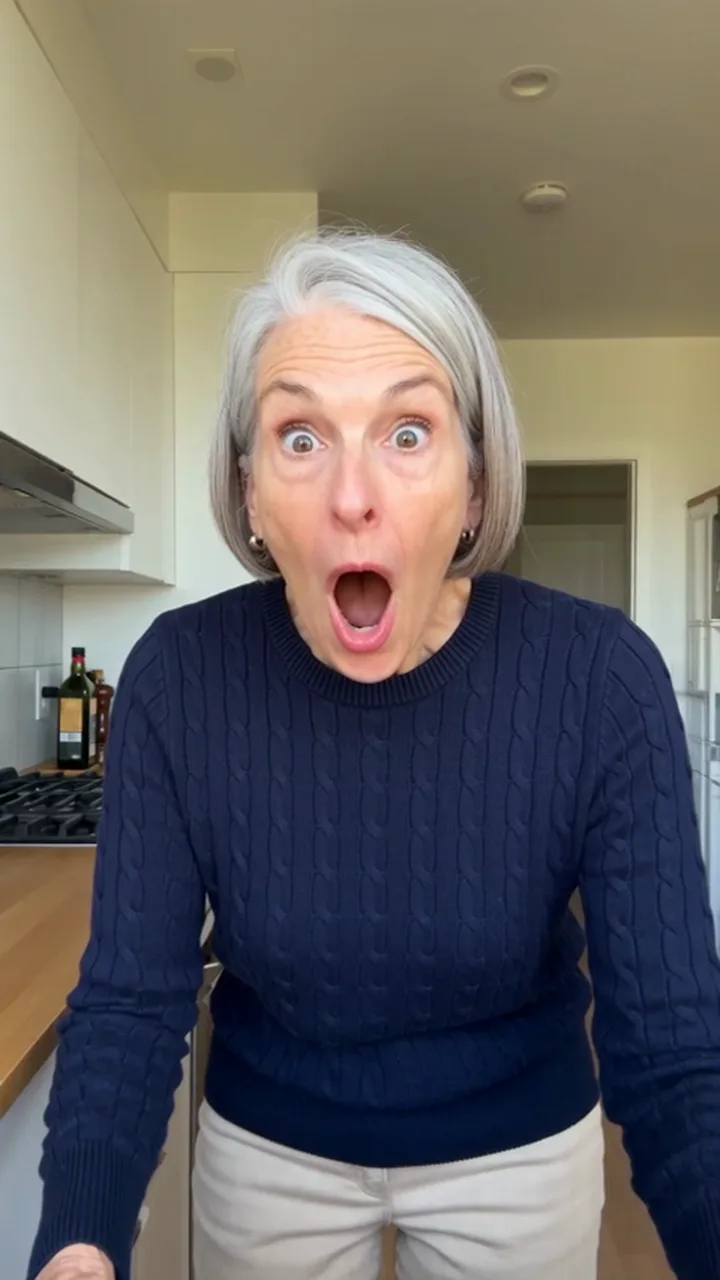
Jaw drop
The reaction comes before the reveal.
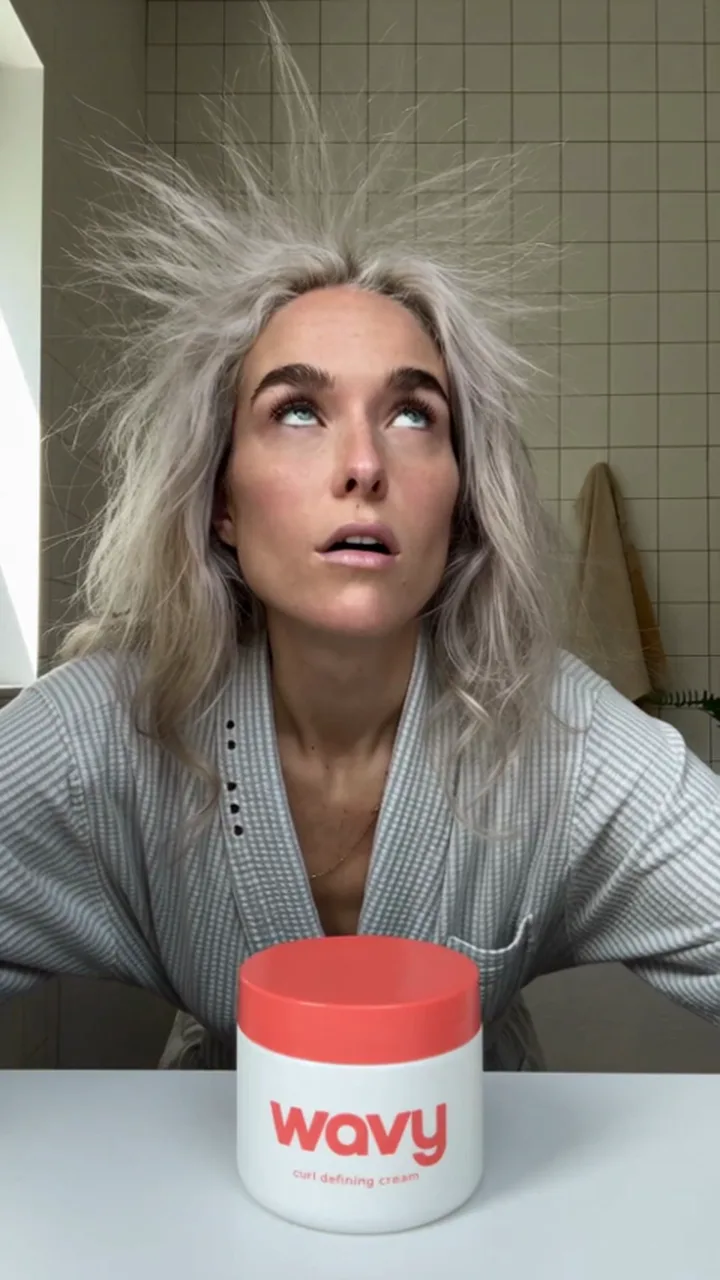
Before / after
Same problem. A different ending.
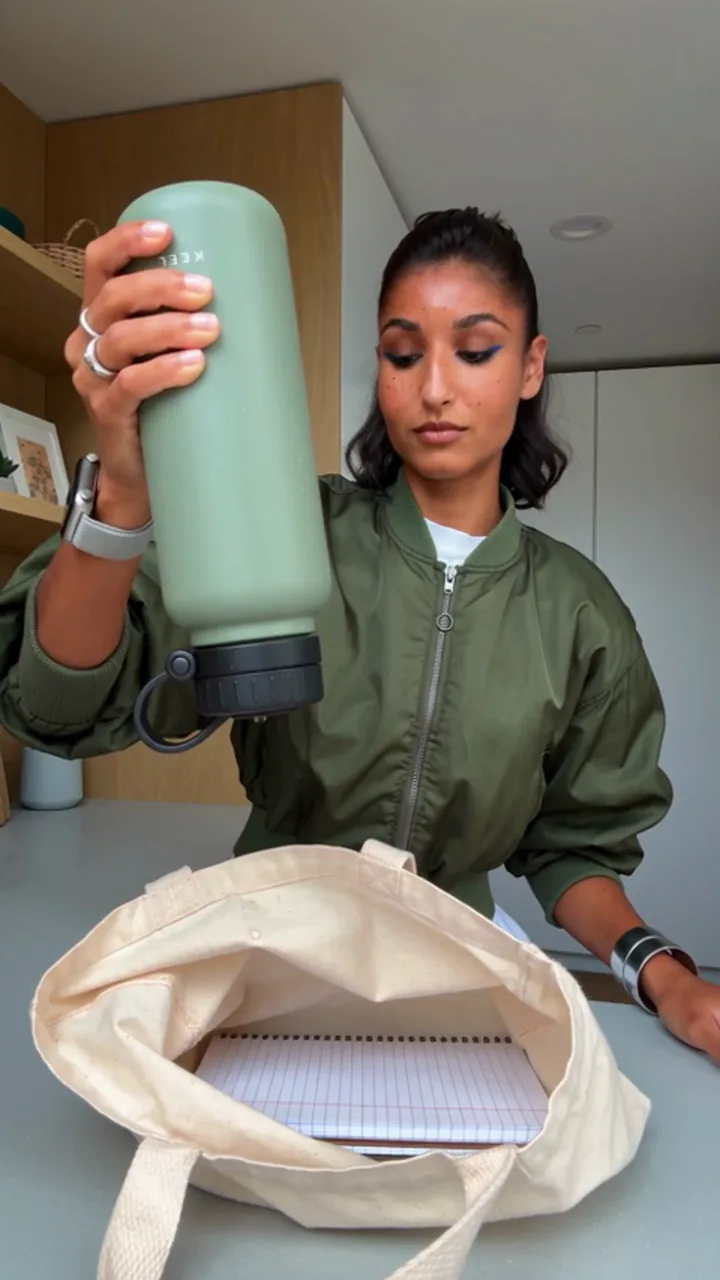
Wrong way
Looks like a mistake. It isn't.
Instagram names these itself. A Reel that hits one still reaches your followers, but is shown less, or not at all, to people who don't follow you yet. Sizes and safe zones are on the Reels dimensions page.
Export clean files. A logo from an editing app marks the Reel as made somewhere else.
Upload the full-size file, not a screen recording or a re-download.
Instagram lists muted reels among those it shows less. Use a voice, music or the room's own sound.
Fill the 9:16 frame instead of floating a wide clip on a colored bar.
A Reel that is mainly words on a background counts against it. Show the thing you're talking about.
Content already posted on Instagram is made less visible. Post your own take on the idea instead.
Reels can run 20 minutes, but anything over 3 isn't recommended to new audiences.
Accounts that mainly post other people's content without meaningful changes lose recommendations. Speeding up a clip or adding a credit line doesn't count.
Instagram doesn't publish an ideal length. It counts seconds watched as well as the share watched, so a longer Reel isn't penalized for its length alone. Over 3 minutes, it won't be shown to new audiences. Make it as long as the idea needs and no longer.
Mosseri on seconds watched, Feb 2025Instagram Help: Reel length
Use sound, because Instagram shows muted reels less. Then add captions, so the Reel still makes sense to someone scrolling with the sound off. Keep them clear of the bottom of the screen, where the caption and buttons sit.
Instagram: Ranking explained, May 2023Reels safe zone and sizes
Up to five. Instagram caps a Reel at five hashtags and says a few targeted ones work better than many generic ones. Adam Mosseri, who runs Instagram, has said hashtags don't increase reach. They tell people what the Reel is about.
Instagram doesn't publish a best time. Your account's Insights show when your followers are most active. Post when they are, and keep a schedule you can hold.
Post it as a trial reel. Instagram shows it to people who don't follow you first, shows views, likes, comments and shares after about 24 hours, and can share it with your followers if it does well in its first 72 hours. Post two openings of the same idea as two trial reels. A day later, compare them: the lower skip rate and the longer average watch time held people, and more shares per view means it earned the send. Keep that opening.
Instagram: Trial reels, Dec 2024Instagram adds Retention and skip rate, Aug 2025
Instagram has no official number. A Reel is spreading when most of its views come from people who don't follow you, because that means Instagram is recommending it. Your Insights split views into followers and non-followers.
Nobody can promise it. What you can control is what Instagram ranks on: how long people watch, how many like it, and how many send it to a friend. Open on the most interesting frame, keep it as short as the idea allows, end on a payoff, and make one thing worth sending.
Ad Studio writes and renders a video ad from your product page. You pick its opening from the hook list, where the six product openings above come from. Videos run 4 to 30 seconds and come out 9:16 by default.
Storybook turns a topic or a link into an illustrated video with a voice and captions that follow each word. Vertical, 10 seconds to 5 minutes.
Connect an Instagram professional account and Sceneform posts the video as a Reel at the time you pick. Views, likes and comments come back to the post afterwards.
Pick the plan for how much you post. Every model on every plan. Unused credits roll over. Cancel anytime.
Billed monthly
For solo creators posting every week
500 credits every month
Billed monthly
For creators posting daily across channels
1,300 credits every month
Billed monthly
For brands and production teams
2,700 credits every month
Billed monthly
For agencies running always-on content
5,500 credits every month
Want checkout, comparison tables, or a custom volume? See the full pricing page
Plans from $19 a month. Commercial use on every paid plan. Post Reels straight to Instagram.