Explore a visual brief with Seedream 5.0 Pro.
Create a new scene or guide an image with references using Seedream 5.0 Pro. Describe the result you want and review the available output settings. You can also select other Seedream versions manually in the model selector.
Compare plans and credits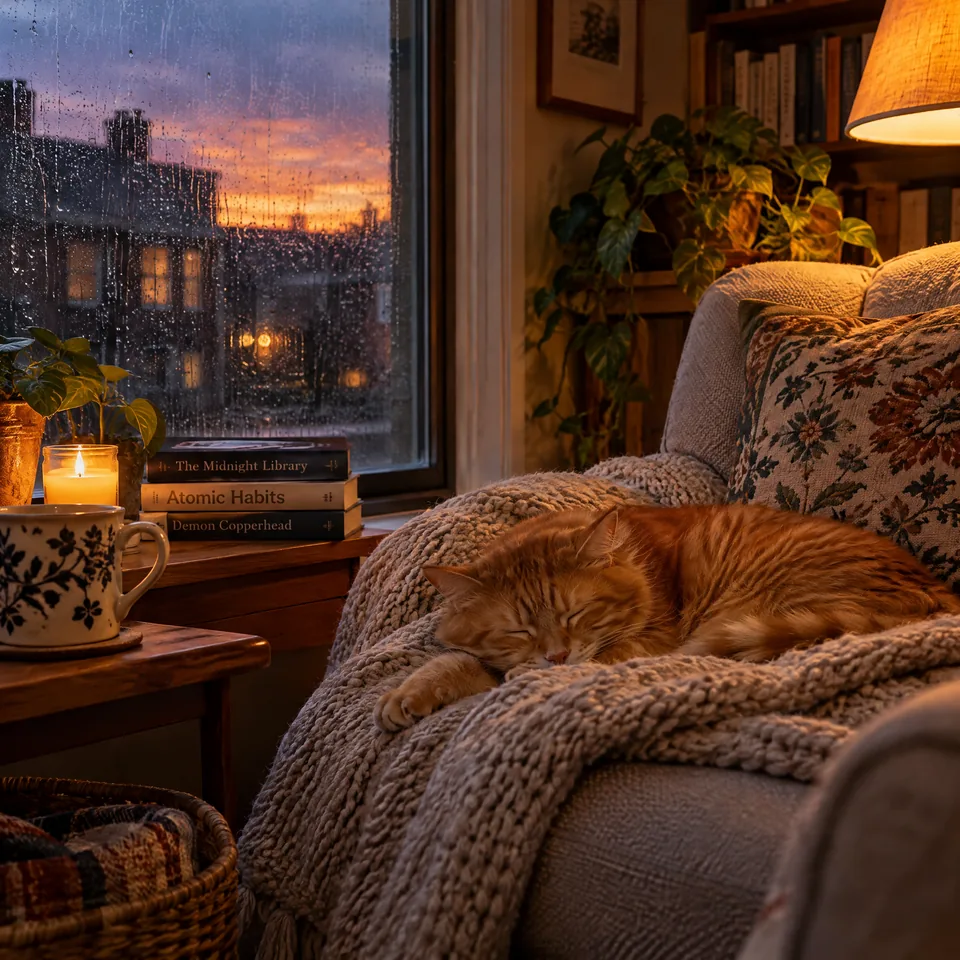
What you can create
Start with text or image references
Write a scene description or add references that clarify the subject. Explain which details should remain and which should change.
Choose the composition and resolution
Seedream 5.0 Pro offers aspect-ratio choices and 1K or 2K resolution. Review the settings before generating your image.
Keep version choices explicit
This page opens Seedream 5.0 Pro. Select Seedream 4.5 under Legacy models when your project specifically needs that earlier version.
From your idea to finished content
Open Seedream 5.0 Pro
Use the button to select the Pro model. Prepare your image brief and any references you want to include.
Describe the intended result
Name the subject, composition, and visual treatment. When attaching references, explain how each image should guide the result.
Generate and compare
Review the output settings and credit cost, then generate. Check the important details before refining the brief or trying another version.
Prompts to start with
Use these briefs as a starting point. Replace the details with your own product, audience, and style.
A product composition
Place the referenced ceramic bottle on pale sandstone beside a folded cotton cloth. Keep the bottle's silhouette and muted green glaze.
An editorial environment
Create a bright reading room with oak shelves and a blue armchair. Leave clear floor space in the foreground and use afternoon light.
Frequently asked questions
Explore related tools
Create your next project
Start with a clear brief. Review the result. Make it yours.