Make a profile picture that reads at any size.
A profile image needs a clear subject, recognizable features, and a simple composition. Create an illustrated avatar or guide a portrait with your own reference images. Design for the small square and circular crops people see in feeds.
Compare plans and credits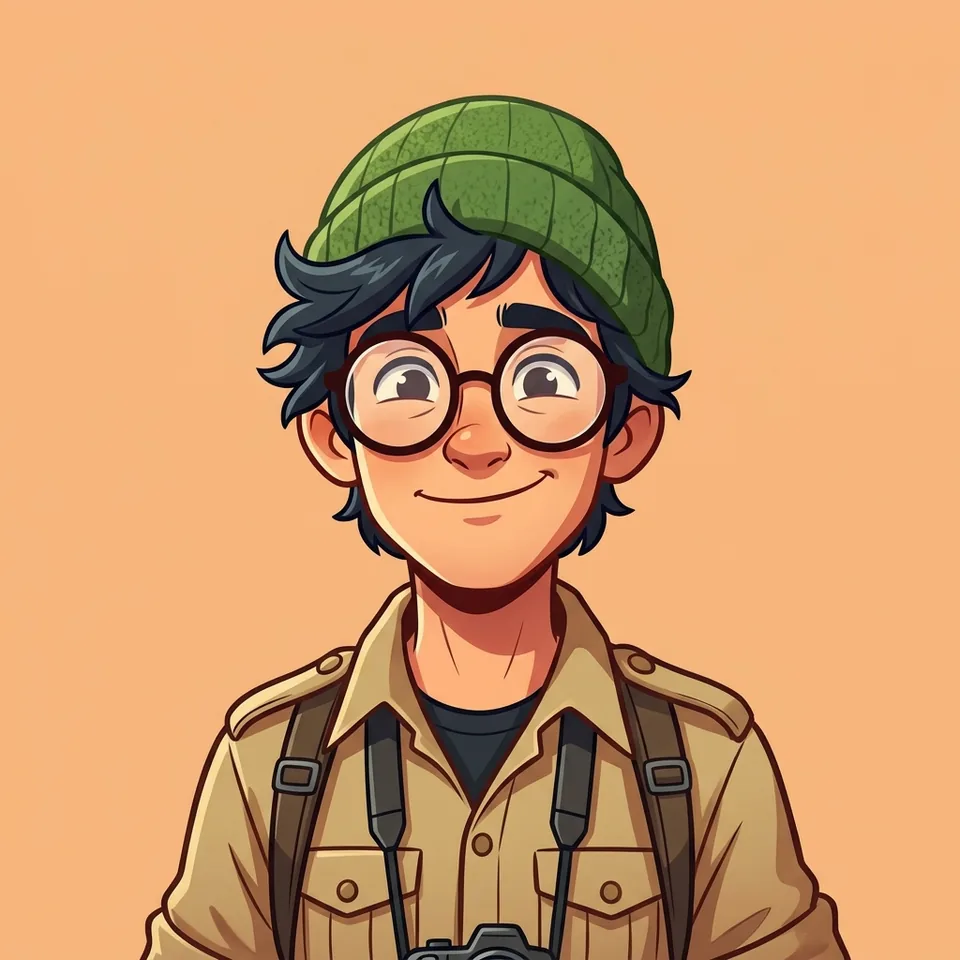
What you can create
Frame the face clearly
Request a centered subject with room around the head. Keep important details away from the edges so circular crops remain useful.
Choose realism or illustration
Describe a natural portrait, a graphic avatar, or a cartoon treatment. Keep the style consistent with the rest of your profile.
Control the backdrop
Use a plain color or a quiet setting to separate the subject. Small profile images need fewer background details than full portraits.
From your idea to finished content
Choose your visual identity
Decide whether the picture should resemble you or represent an original character. Use reference photos when your likeness matters.
Describe a crop-friendly portrait
Choose a supported image model and square framing. State the expression, lighting, background, and space around the subject.
Check the small version
Preview the downloaded image at profile-picture size. Check the eyes, silhouette, and circular crop before uploading it to your account.
Prompts to start with
Use these briefs as a starting point. Replace the details with your own product, audience, and style.
A simple creator portrait
Use my reference photo for a natural portrait. Center the face, soft window light, pale blue background, square framing, generous headroom.
An illustrated avatar
An original cartoon explorer with round glasses and a green beanie. Bold shapes, warm expression, plain peach background, centered square composition.
Frequently asked questions
Explore related tools
Create your next project
Start with a clear brief. Review the result. Make it yours.