Grok Imagine 1.5: short clips with picture and sound
Grok Imagine 1.5 writes video and audio together. Start from a text prompt at up to 1080p, animate a still image, or hold a subject and voice steady with references.
Move the image without losing the idea
Turn product stills, keyframes, character portraits, and campaign concepts into short videos guided by motion and camera language.

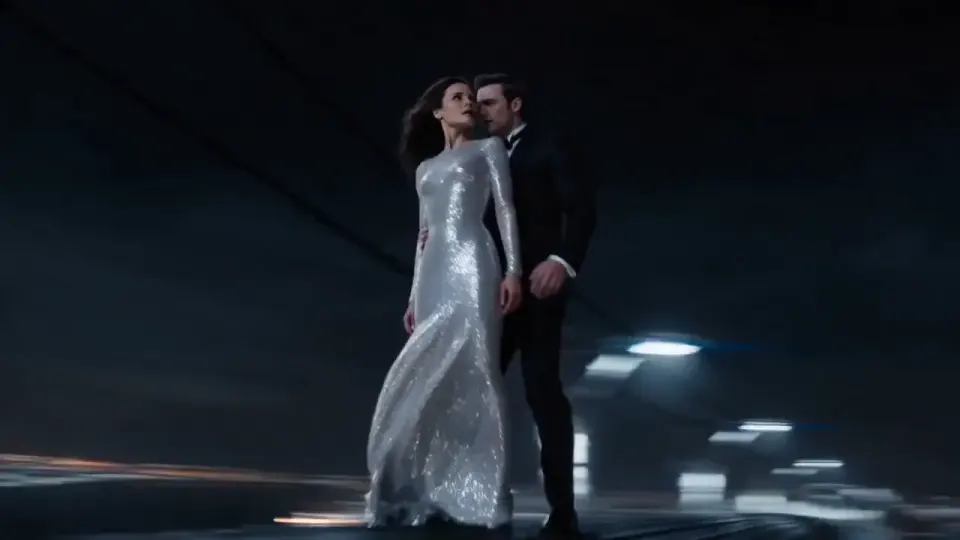
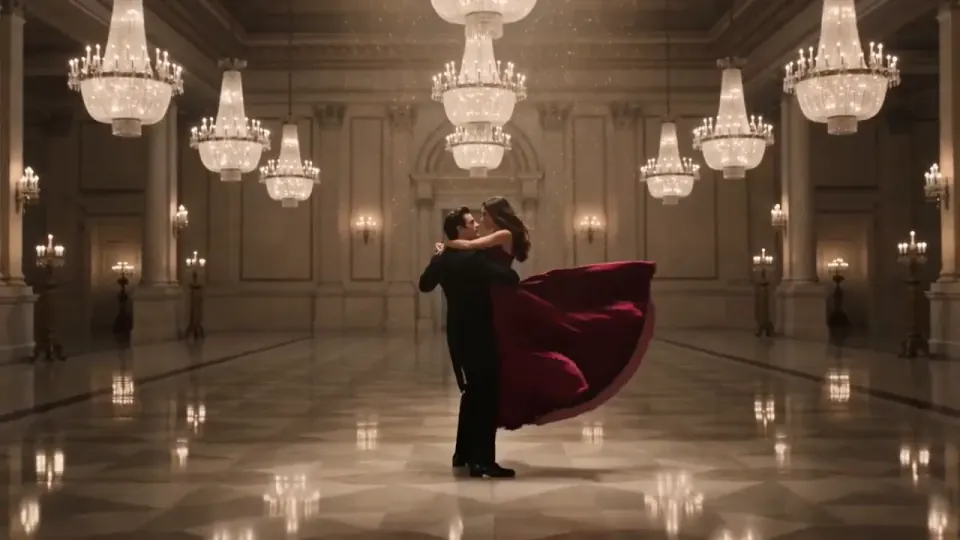
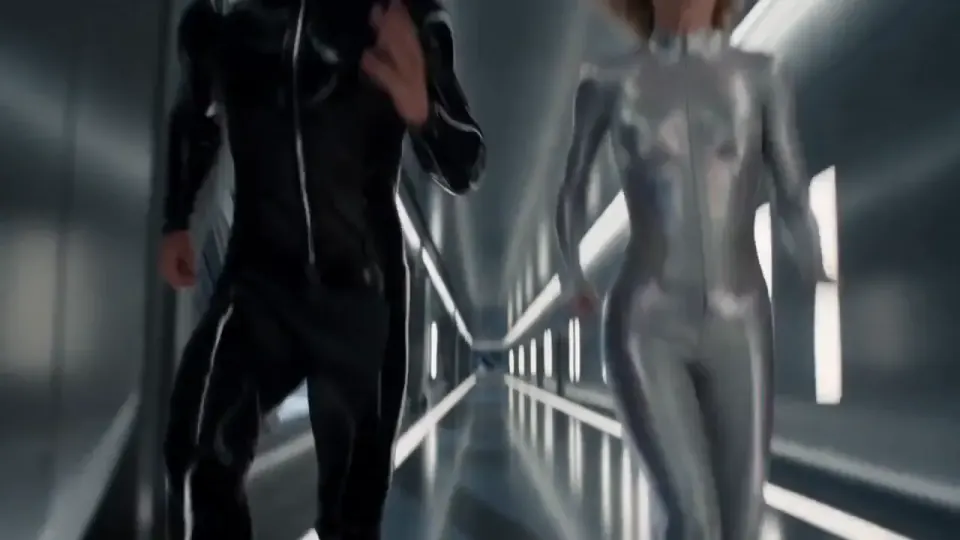
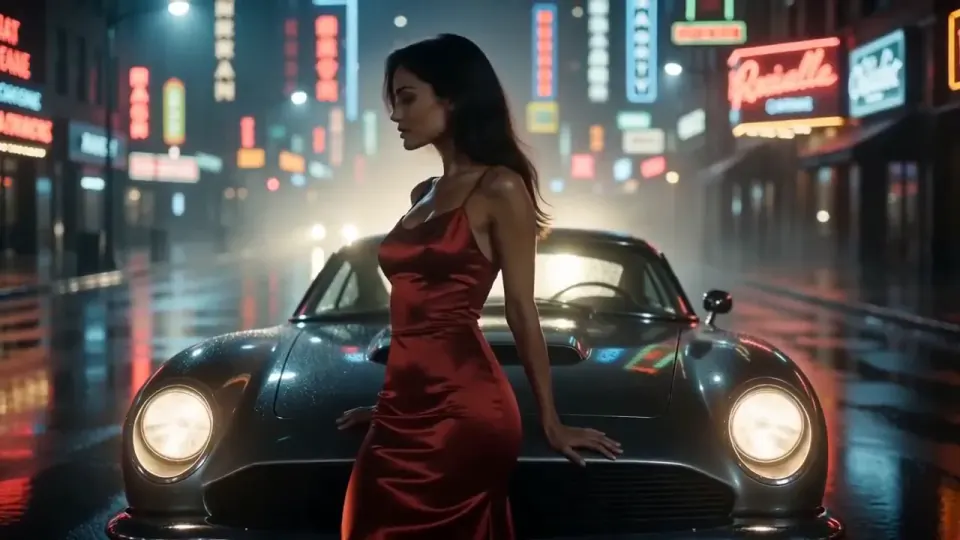
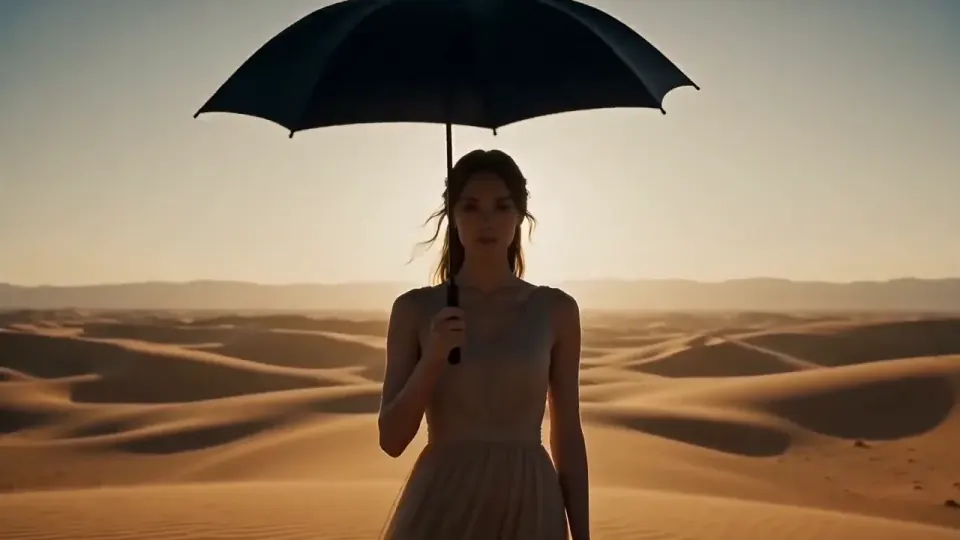
Why Grok Imagine 1.5
Use it when a short clip needs believable motion and its own audio, from a written idea or a frame you already have.
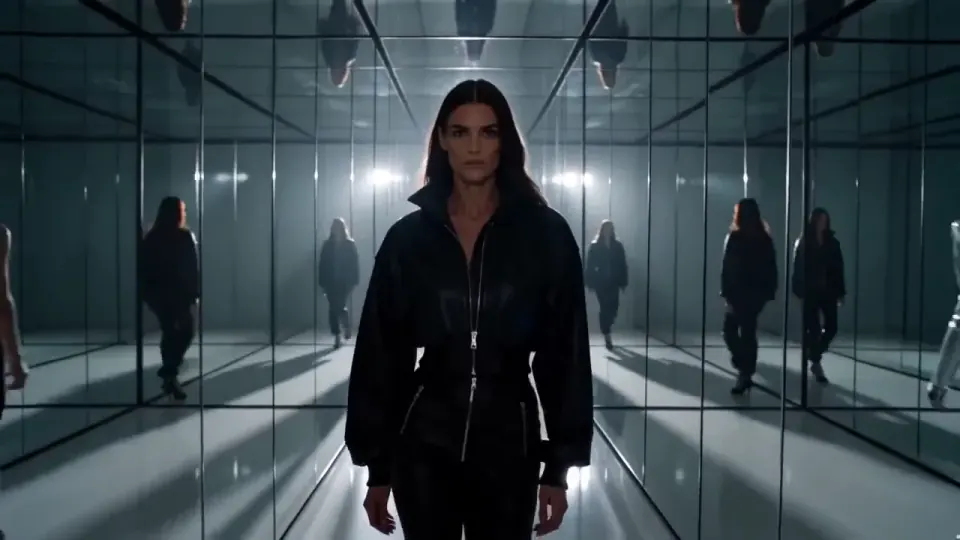
How to create with Grok Imagine 1.5
Choose how the clip starts, then use direct motion and camera language to shape it.
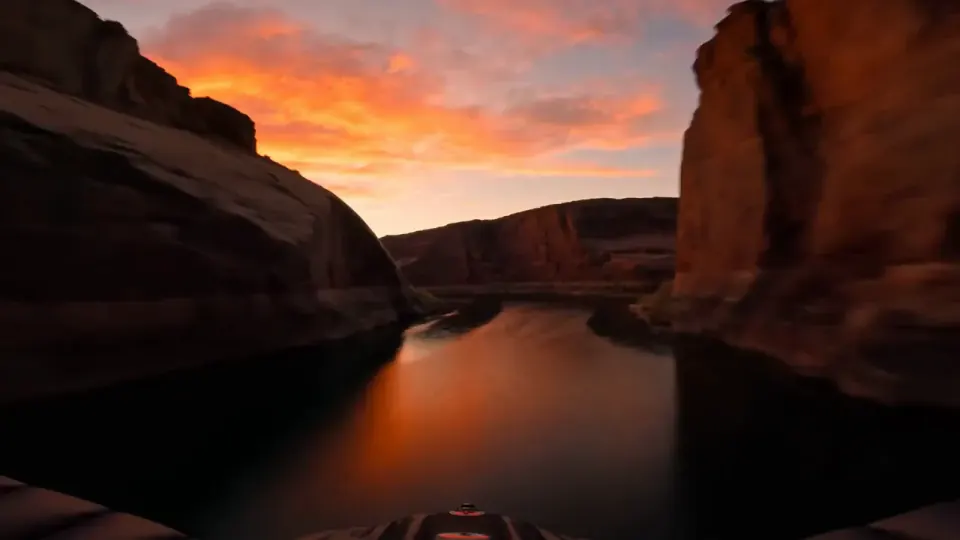
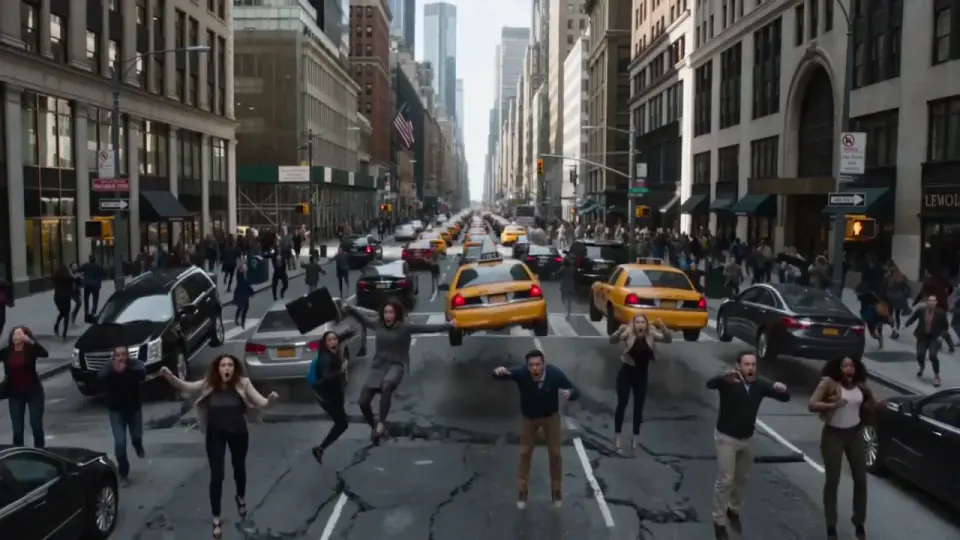
Choose how to start
Write a prompt on its own, upload a still to animate, or add up to seven reference images and one voice clip.
A couple in eveningwear on a misty road at night, slow dolly in, cinematic
Write the motion prompt
Describe camera movement, subject action, atmosphere, lighting shifts, and physics.
Set the output
Choose aspect ratio, duration from 1–15 seconds, and 480p, 720p, or 1080p. 1080p is text-to-video only.
Generate variants
Try alternate motion language until the clip feels natural, cinematic, and usable.
Built for short clips with sound
Grok Imagine 1.5 fits work where a clip needs believable motion and its own audio in a single pass, whether it starts from a prompt or a frame.

Subject fidelity
Anchor the clip to an uploaded still, or hold a product, character, or style steady with reference images.
Camera and motion direction
Prompt dolly moves, orbit shots, handheld energy, depth changes, and environmental motion.
Short-form output control
Create 1–15 second clips with sound in common aspect ratios, at up to 1080p for text-to-video.
Where Grok Imagine 1.5 works best
Use it for short clips that need motion and sound, whether you start from a prompt or from a still you already have.


Animate product stills into short launch clips with camera moves, light shifts, and atmosphere.
Simple pricing that scales with you.
Pick the plan for how much you post. Every model on every plan. Unused credits roll over. Cancel anytime.
Credit use varies by model and settings. Exact credits are shown before every generation.
Your selection
Pro plan
1,300 credits added monthly
$49/month
$49 due now · billed monthly
Secure Stripe checkout · Cancel anytime · 3-day refund policy · Terms
Custom volume and invoicing for businesses and agencies.
Frequently asked questions about Grok Imagine 1.5
Start creating with Grok Imagine 1.5 today
Turn a written idea or a still you already have into a short, directed clip with sound.
Start creating